Courses & Planning
The Planning area helps you find courses across supported universities and add them directly to your study plan.
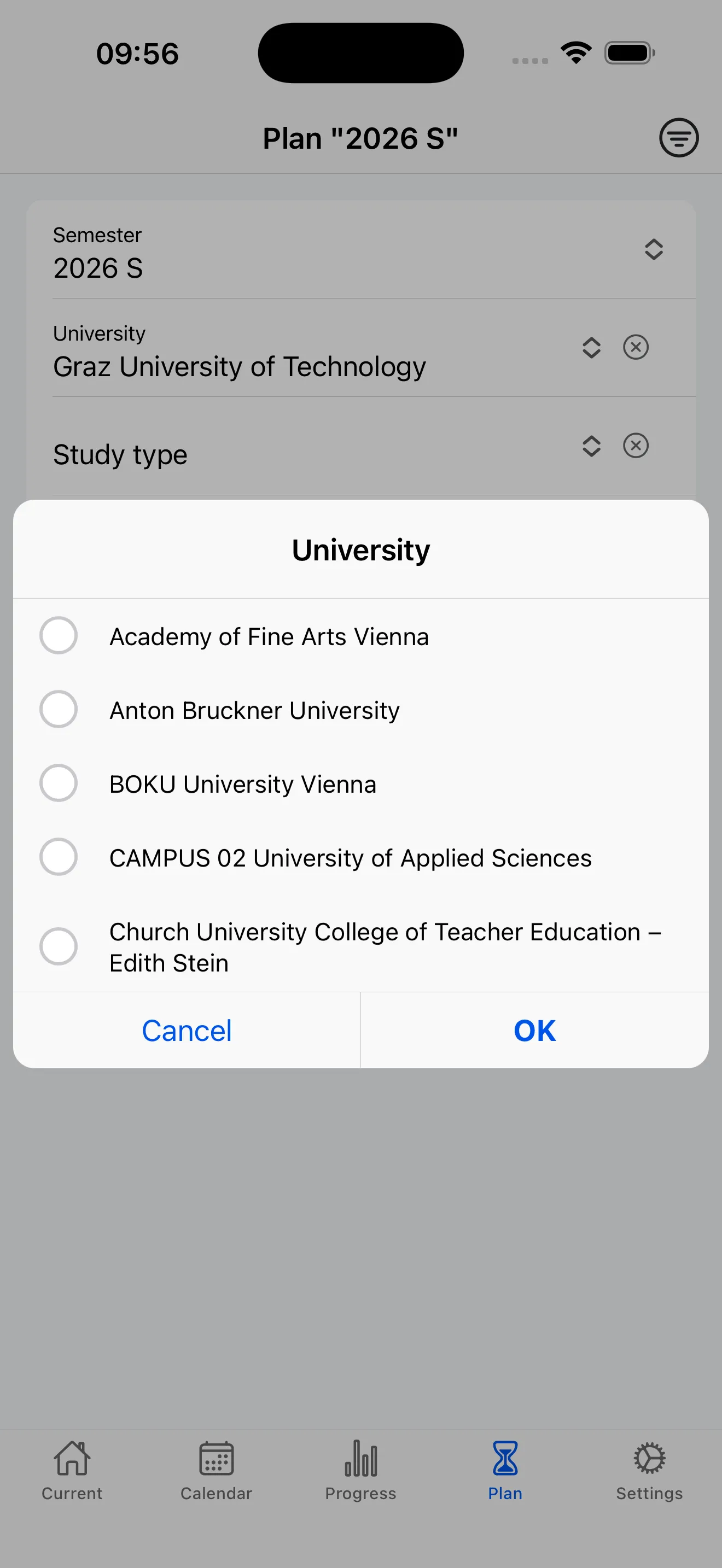
Find Your Courses
Search courses across all supported universities. Browse, filter, and plan your semester – even before enrollment. The planning area is your starting point for building the perfect timetable.
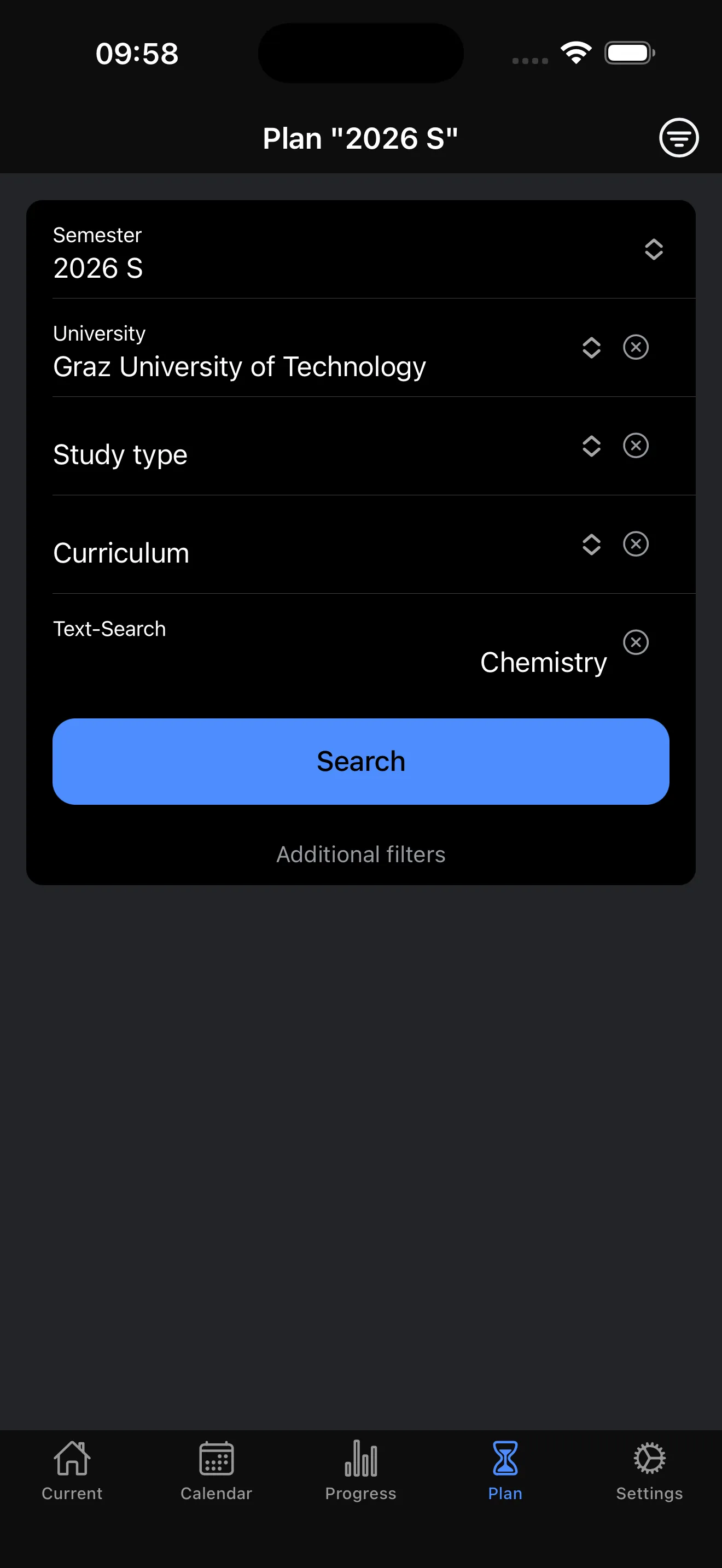
Smart Search
Select your semester and search by university. Choose a specific university to additionally filter by study type and curriculum. Use text search for keywords to find exactly what you need.
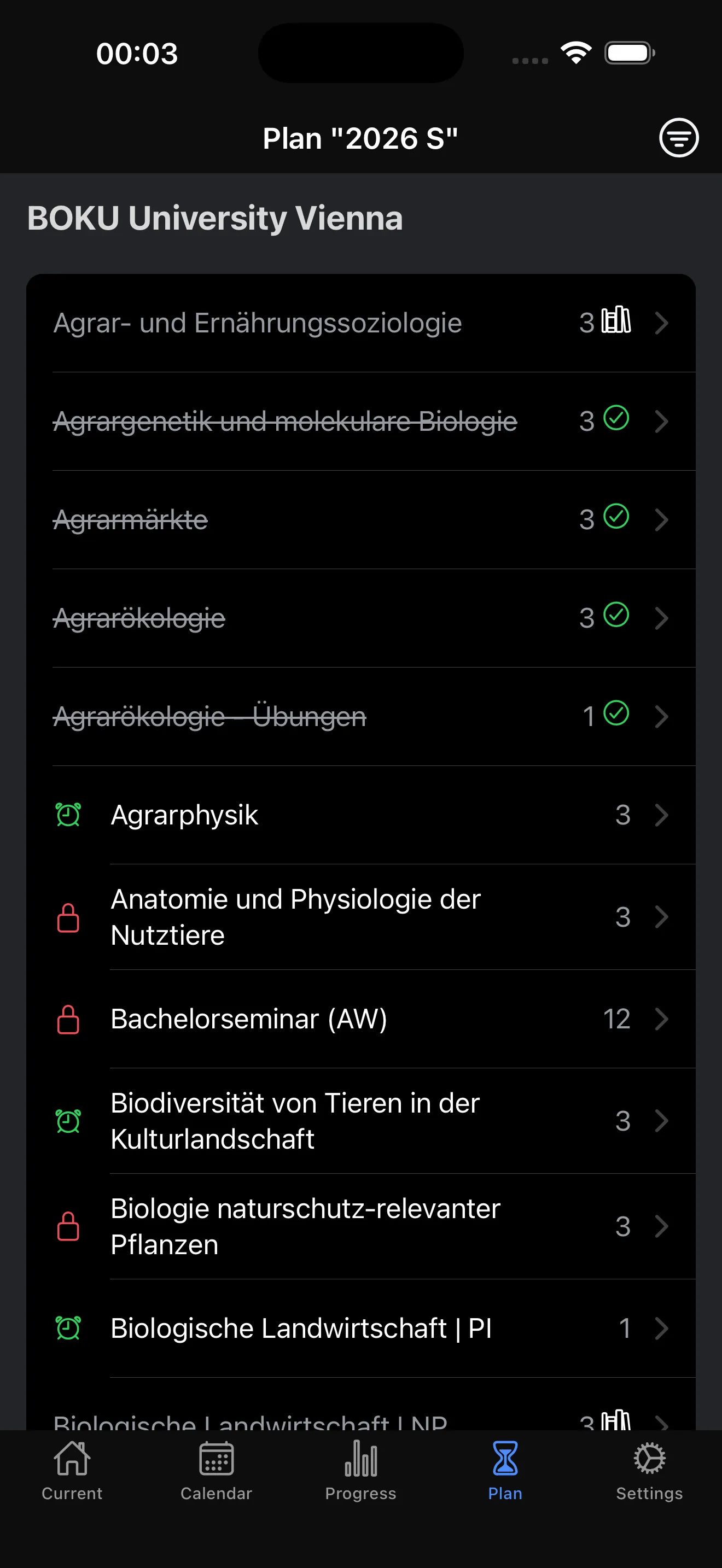
Search Results
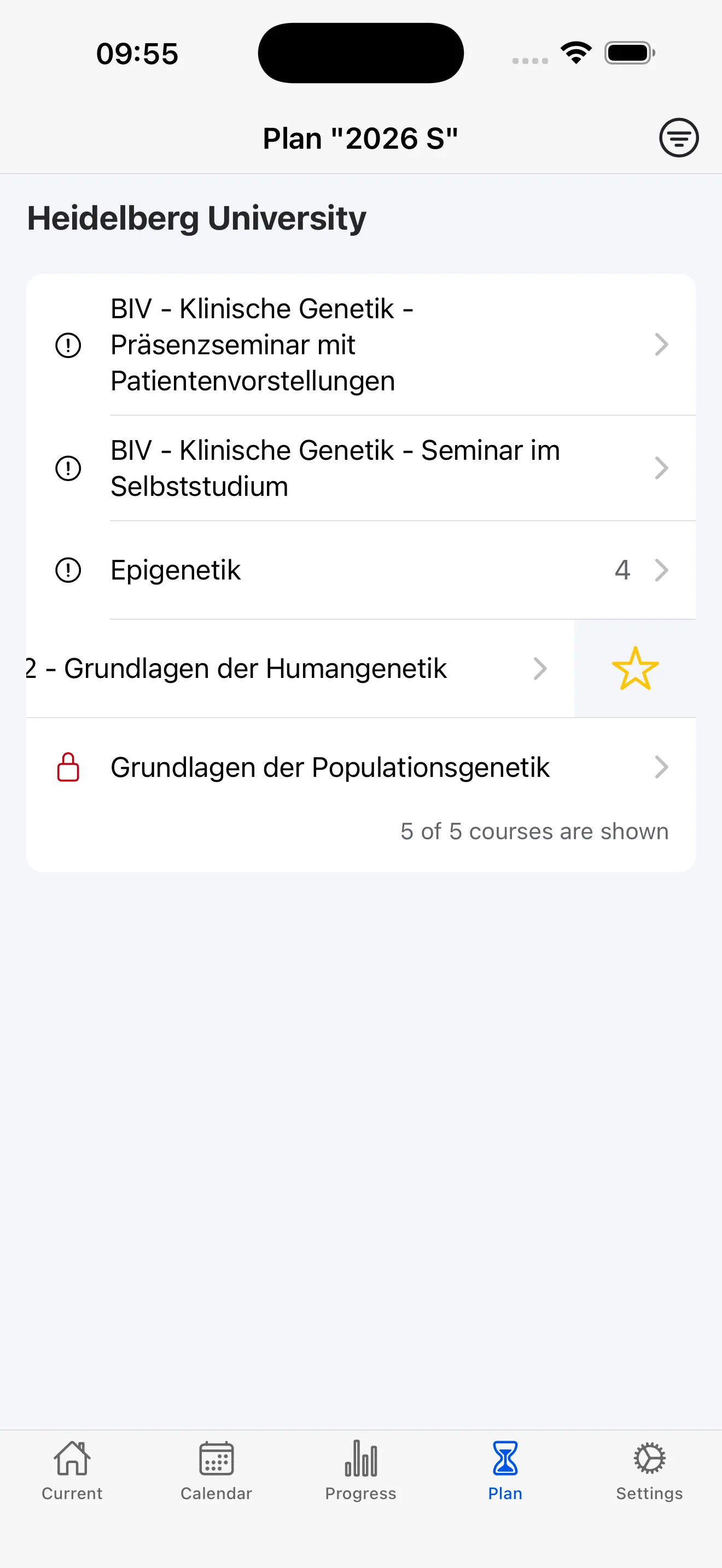
Results are grouped by university and show ECTS at a glance. Icons and badges visualize registration status and planning status, so you immediately know what's open and what you've already planned or completed.
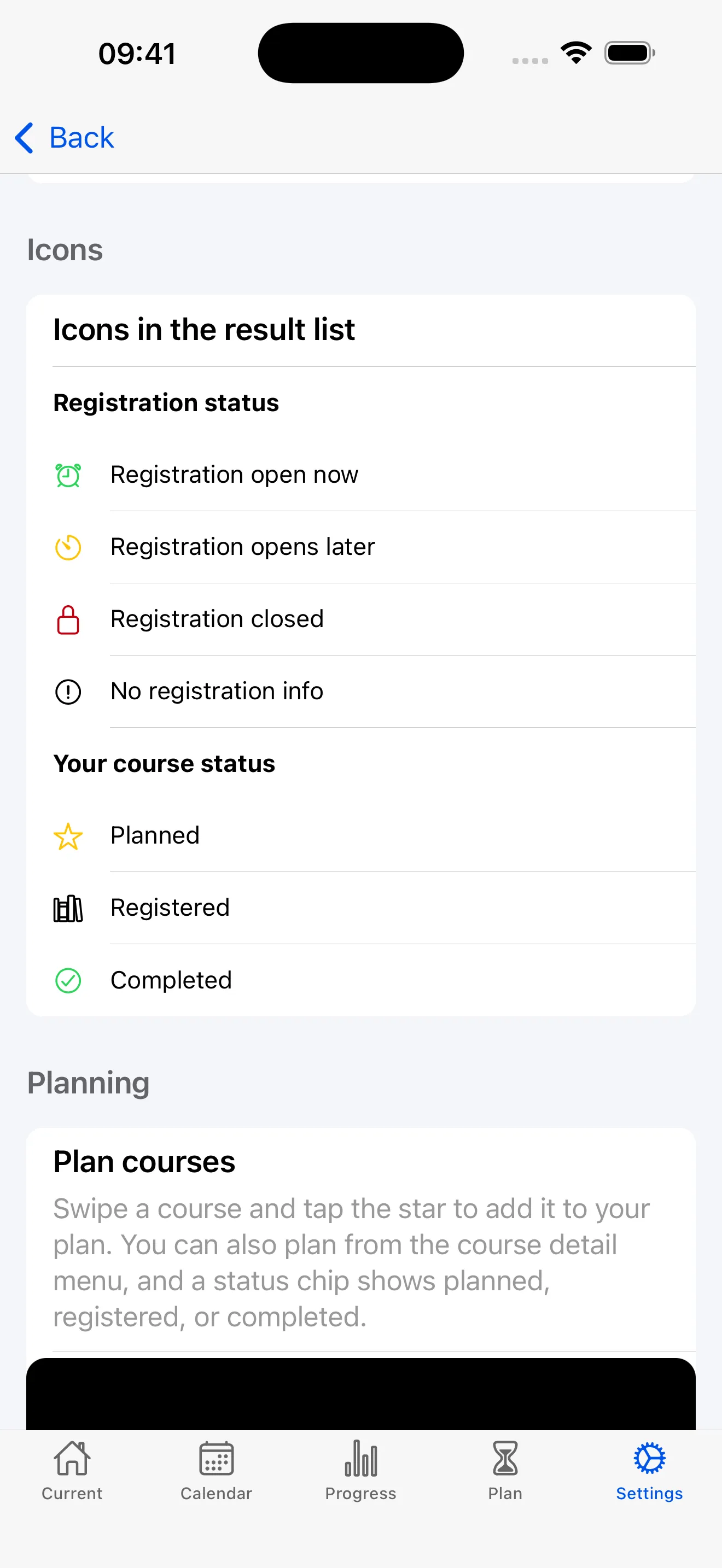
Status Icons Explained
Understand what the different icons mean at a glance – from registration status (open, soon, closed) to your course status (planned, registered, completed). Never miss an open registration window.
Plan Your Courses
Easily add courses to your plan. Swipe a course and tap the star icon, or use the detail menu. The status chip always shows the current planning status so you stay in control.
Ready to get started?
Download StudyCompass for free and take control of your studies.